
 Kartee
Create your digital menu in minutes
Digital menus and table ordering for restaurants and cafes.
14 days free · No card needed
Live in three steps
- 1
Create your menu
Dishes, photos and prices.
- 2
Share the link
QR codes, social media and chat.
- 3
Take orders
Straight to your screen and kitchen.
Go digital with a high-end guest experience
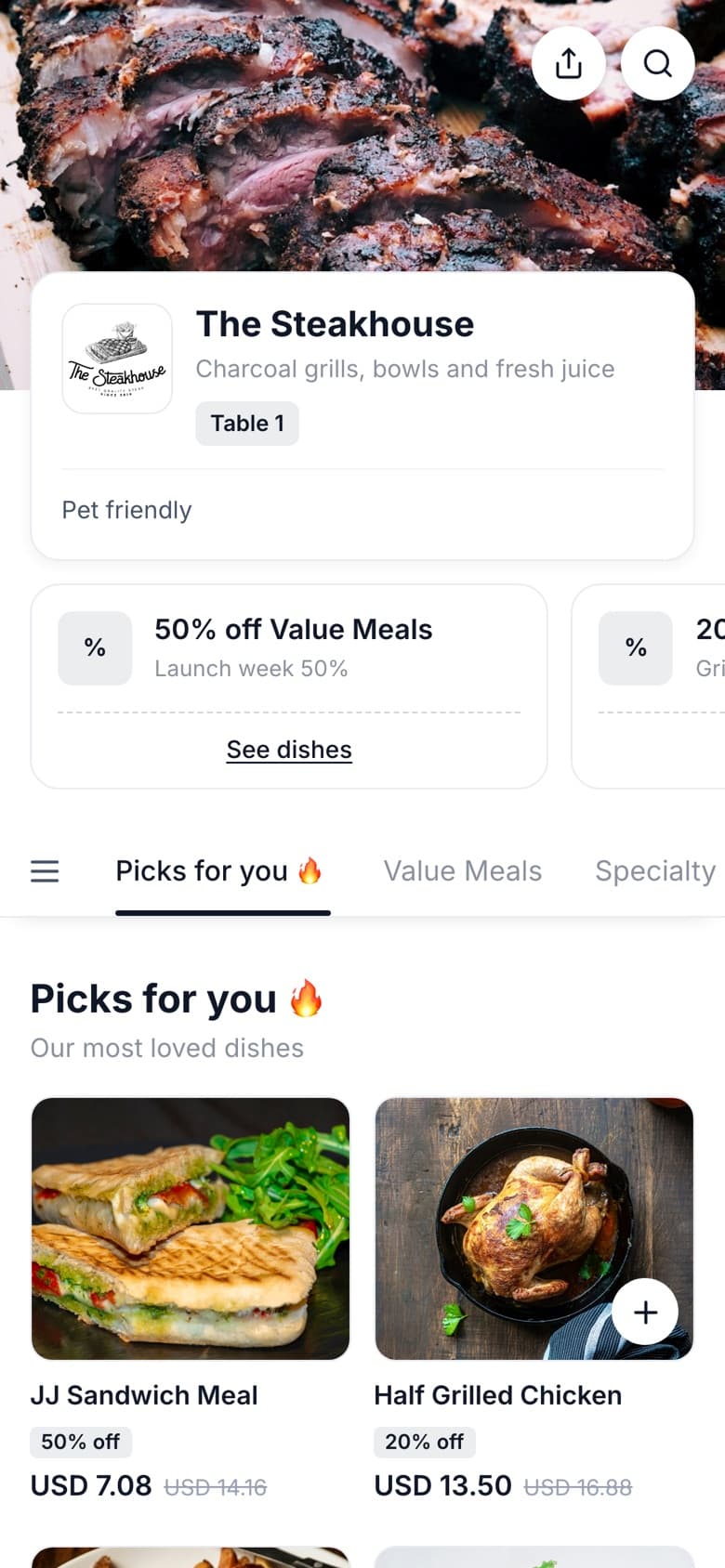
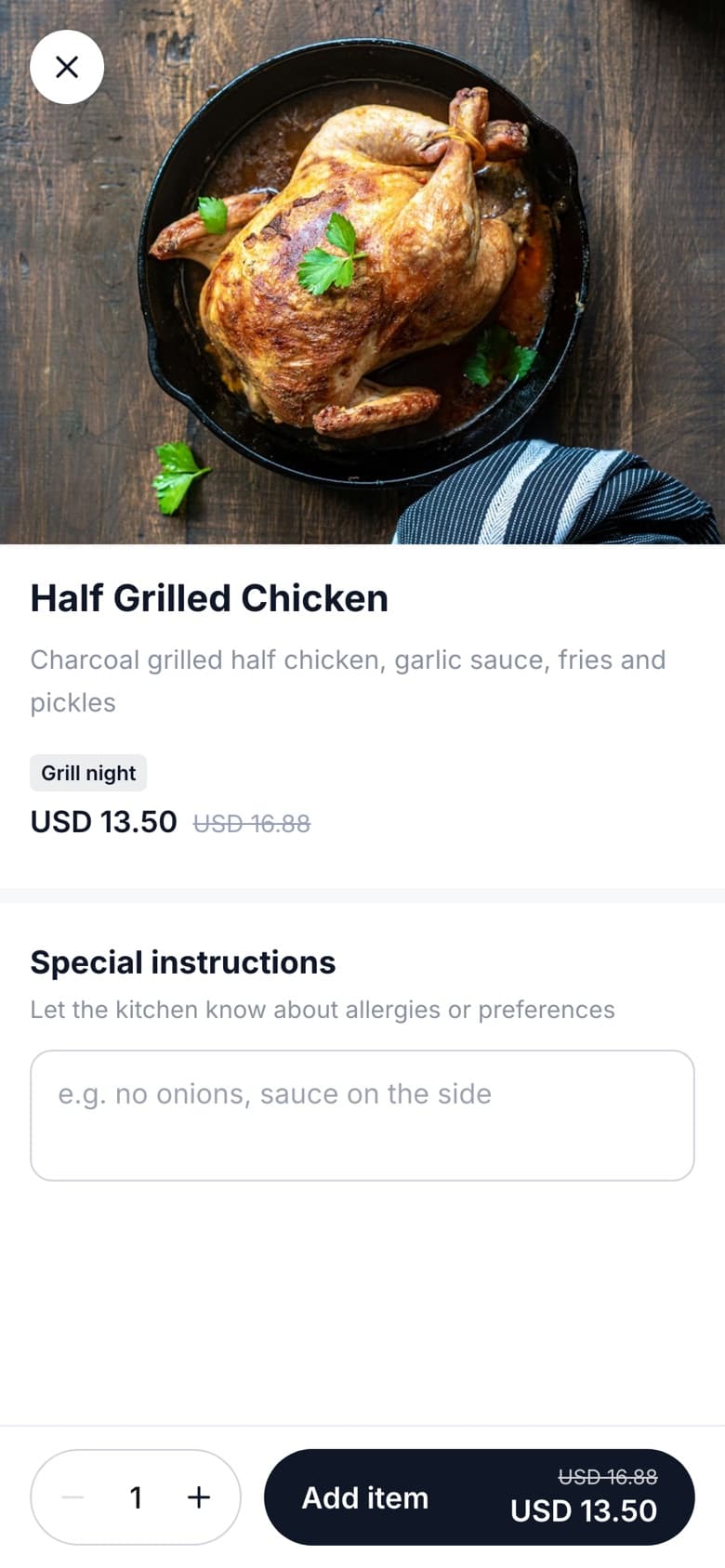
Update dishes and prices in real time, add specials and seasonal dishes, and show every plate with a full-screen photo. A menu guests enjoy browsing, on any phone, with no paper and no app to download.
View live menu ↗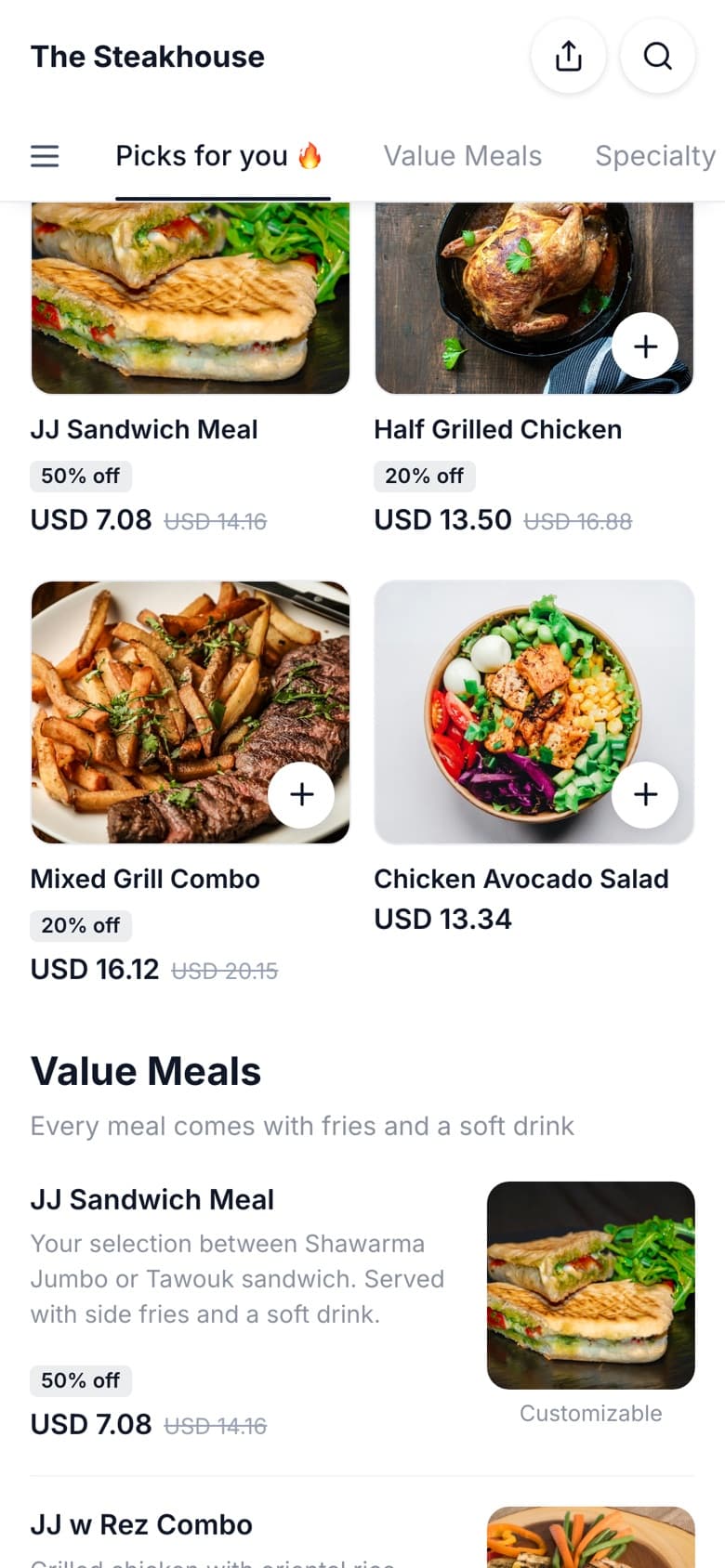
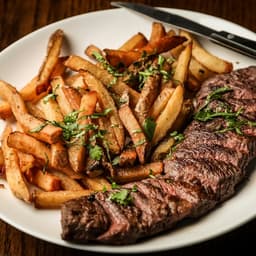
Create and manage everything from your phone
The whole restaurant in your pocket: the menu, the look, live orders and today's numbers. Same account as on the web.
iPhone · Coming soon to the App Store
 Cedar GrillOpen · until 11 pm
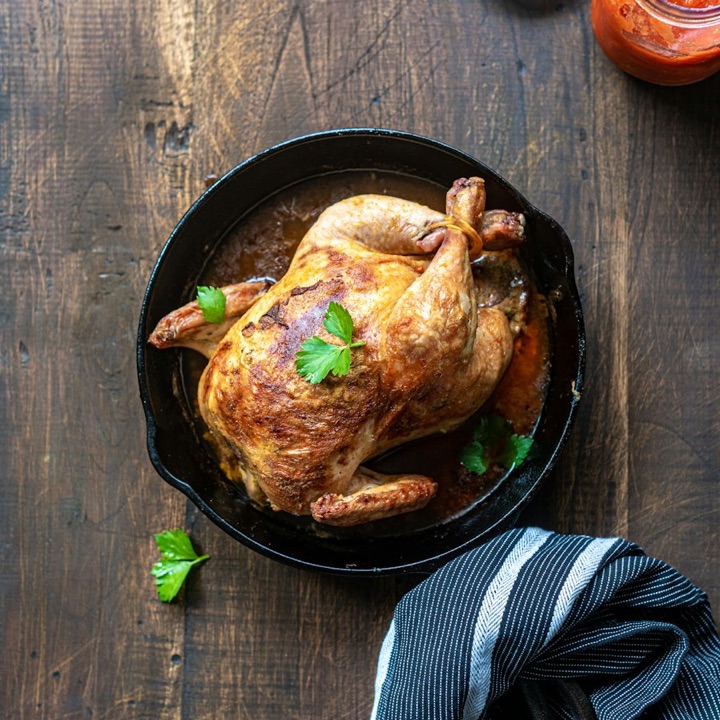
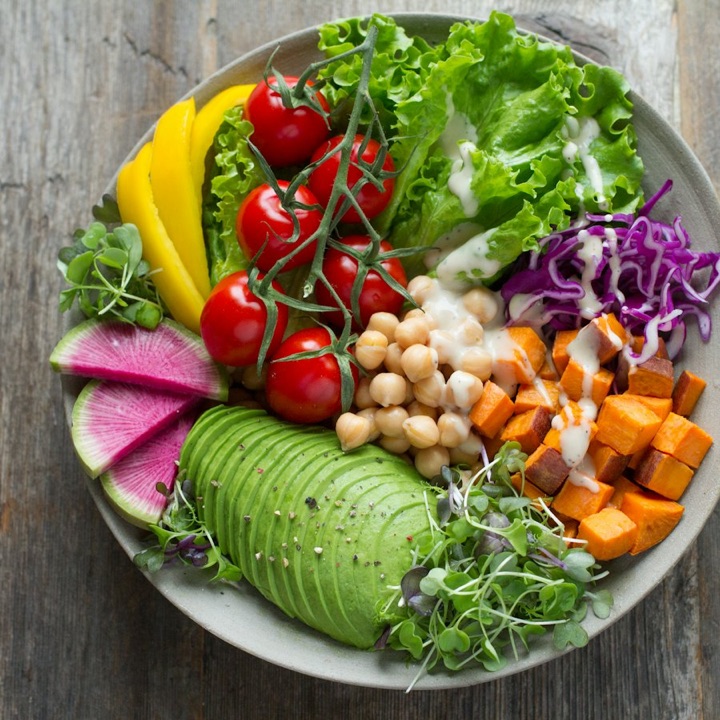
Go waiterless
Guests scan the QR code on their table and order the moment they're ready. No waving for a waiter, no waiting for the menu.
- Serve more tables with the same staff
- No mistakes from orders taken by hand
- Sell more with add-ons and featured dishes on every order
Order management
Every table's orders on one live board, from the moment a guest orders to the moment it's served and paid.
 1× Rainbow Bowl
 1× Lemonade
 2× Grilled Chicken
 1× Mixed Grill
 1× Mojito
 1× Avocado Salad
Built for the kitchen
Every order lands on the kitchen screen the moment it's placed, with a timer that shows what's running late.
 1× Mixed Grill Combo
 1× Passion Fruit Mojito
 2× Half Grilled Chicken
 2× Fresh Lemonade
 1× Rainbow Bowl
 1× Smash Burger Meal
Full branding and customisation
Design a menu that looks and feels like your restaurant, from the cover photo to the colour of every button.
- A menu that matches your brand
- Stand out with a look that is yours
- Change your look in minutes, no designer needed

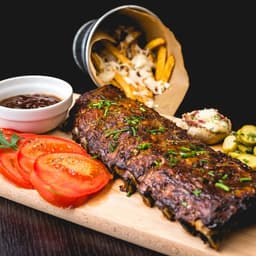
Learn from your data
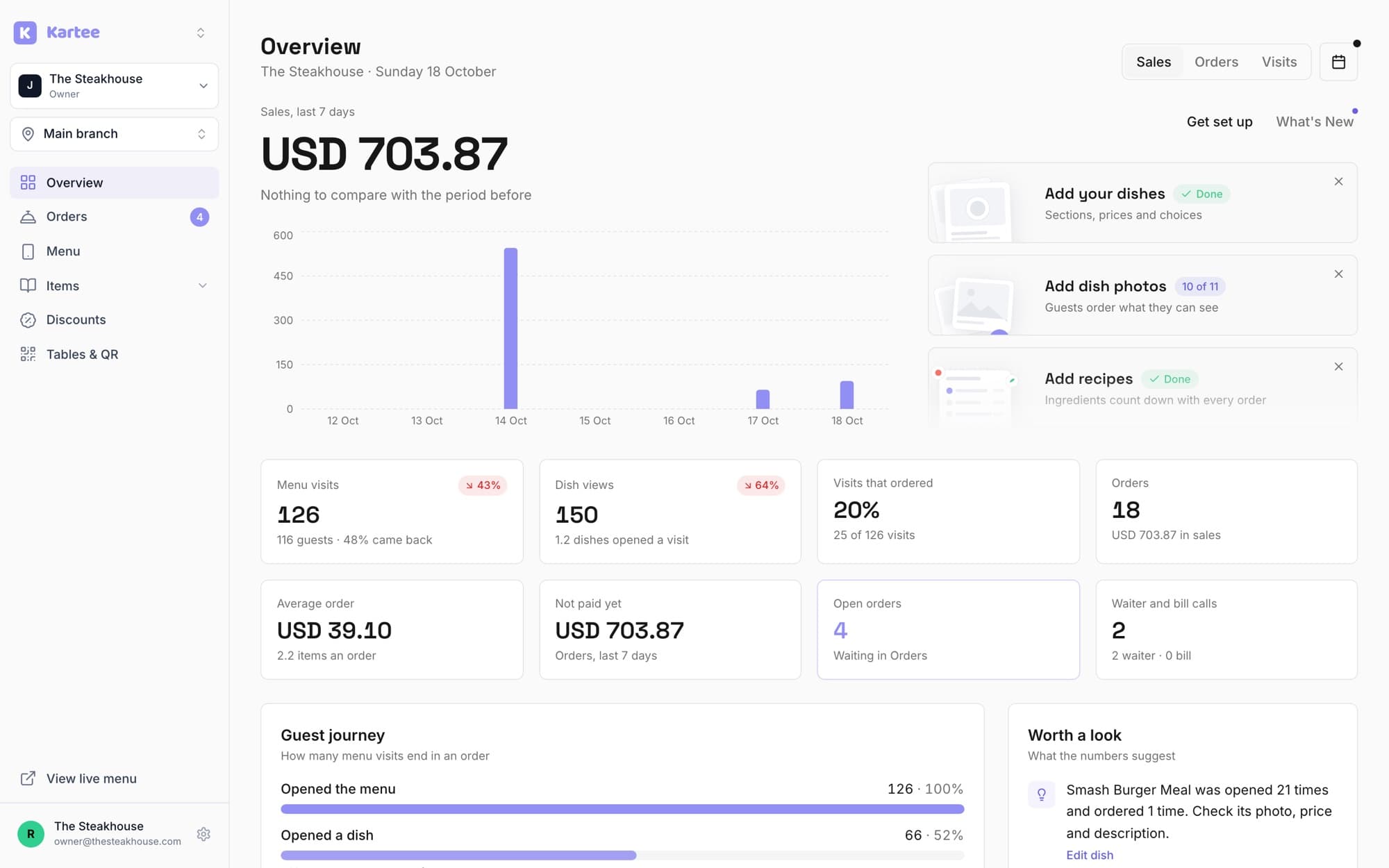
Track menu visits, dish views and traffic sources, and spot what works so you can improve your menu.
Teams and branches
Give staff the right access. Run every branch from one account.
- Manager, Waiter and Kitchen roles
- One menu, updated everywhere at once
- 12 users and 3 branches on Growth
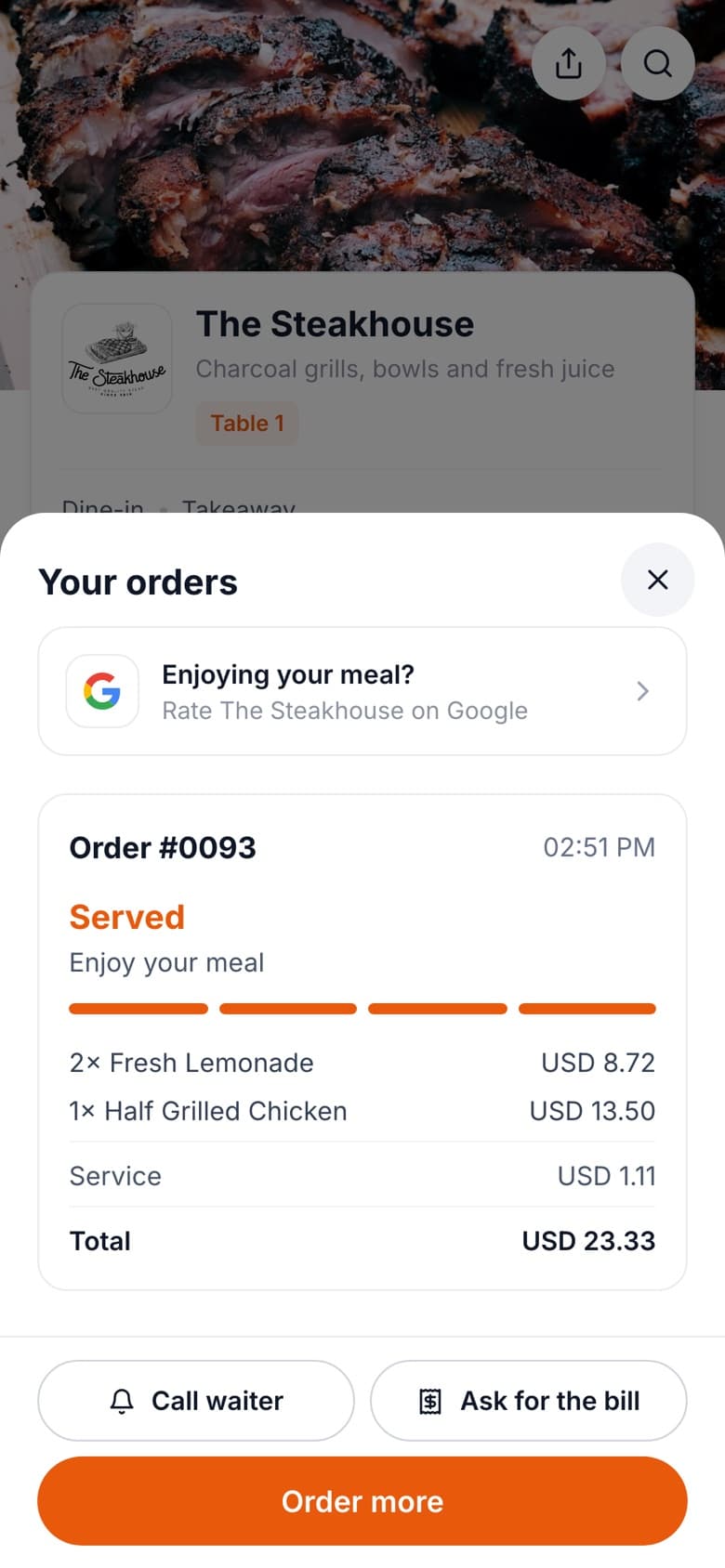
More Google reviews
Automated review collection. Guests are asked right after their order is served.
- Collect Google reviews faster
- Reach guests when they are happiest
- Rank higher on Google Maps
Simple pricing
Unlimited dishes, tables and orders on every plan.
Starter
For one restaurant and a small team.
$6/month for 3 months · $120/year
Start free for 14 days- 4 users, 1 branch
- Staff roles
- Digital menu and QR ordering
- Orders board and kitchen screen
- Ticket and bill printing
- Google reviews
- Sales reports
Growth
Most pickedFor teams and growing restaurants.
$14.50/month for 3 months · $290/year
Start free for 14 days- Everything in Starter
- 12 users
- 3 branches
- Copy a menu to a new branch
- Guest analytics
Enterprise
For groups and chains.
A plan built around your branches
Talk to us- Everything in Growth
- More than 3 branches or 12 users
- Help setting up your menus
- Pricing for your size
14-day free trial · Cancel anytime · USD
Questions
Do guests need an app?
No. They scan the QR code and the menu opens in their browser.
How do guests pay?
At the table, as usual. Staff mark the order paid by cash or card. Online payment is not available yet.
What do my staff need?
A tablet or computer with a browser. Tickets print on any printer the browser can use, including 58 and 80 mm receipt printers.
Can I use it as a menu only?
Yes. Turn ordering off and guests just browse.
Do QR codes break if I rename my menu link?
No. Old links keep working, so printed codes never need reprinting.
Can I run more than one branch?
Yes. Growth includes 3 branches. For more branches or more than 12 users, talk to us about Enterprise.
